
Your AI rep & Approvals
Arianna, your AI rep, does the outreach busywork — first touches, reactivation, blasts — and never sends anything until a human approves it.
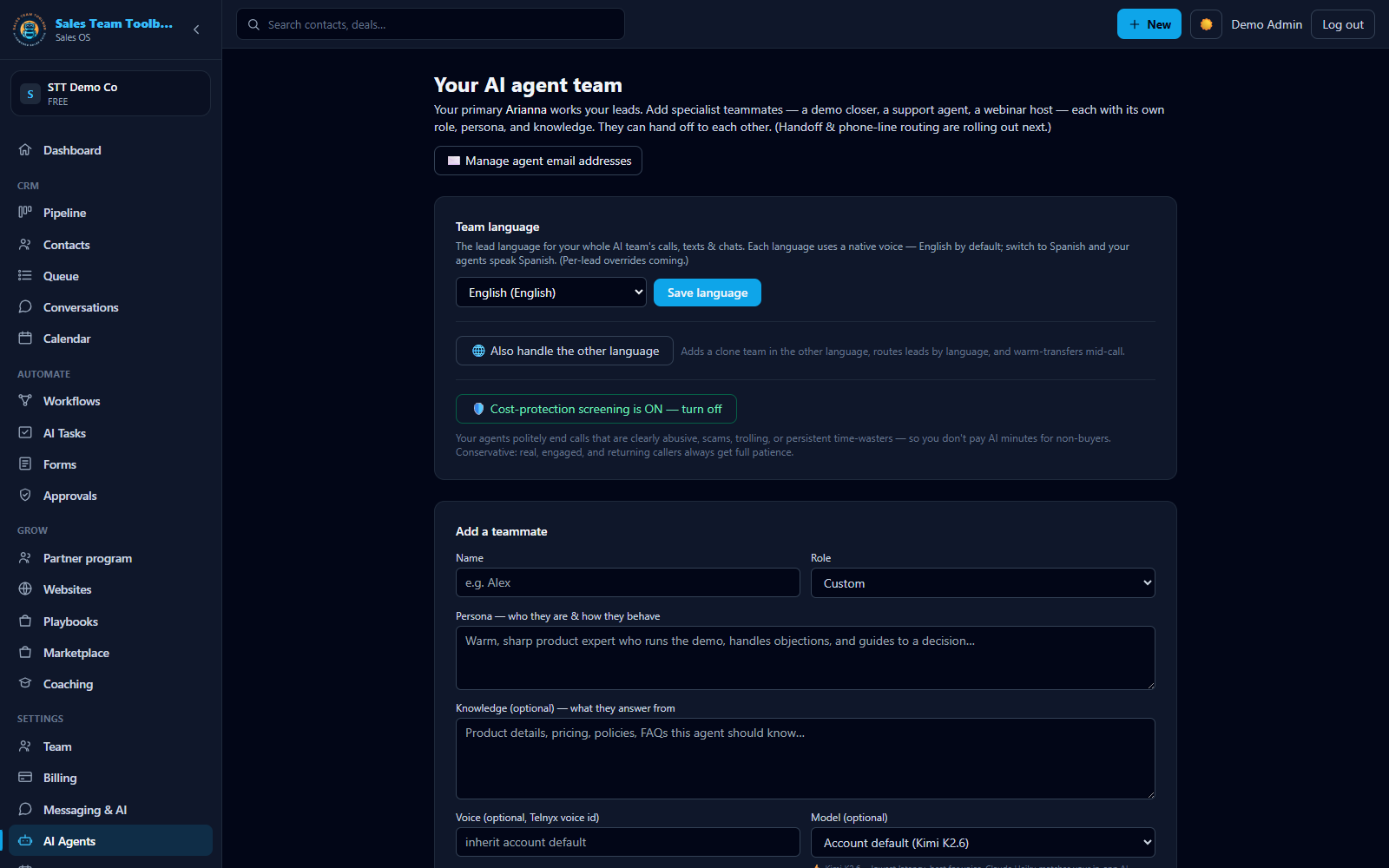 Your AI team — each agent with its own industry persona, voice, and role.
AI Tasks
Open AI Tasks for a catalog of jobs you can hand to your AI rep. Each runs against your live pipeline and playbook:
- 📊 Pipeline insights — a read-only briefing on where your deals and leads stand.
- ⚡ Work my new leads — drafts a speed-to-lead first touch for every new lead.
- 📞 Call & text my hottest leads — picks the right channel (text or AI call) for your hottest leads.
- 🔥 Reactivate cold leads — win-back outreach to leads that went quiet.
- 📣 Draft an SMS blast — a message to a whole segment at once.
- 🛠️ Build a workflow — authors a follow-up sequence from a plain-English goal (see Workflows).
AI Tasks are bounded, one-time jobs over a finite list — "call everyone who no-showed last week" — that run once and finish; they're included for Owner and Admin users. Autopilot is the ongoing, goal-driven agent that works your whole pipeline toward wins, included on the Pro and Agency plans. See Autopilot & Agent Goals.
The Approvals inbox
This is the safety net that makes AI outreach safe to turn on. Everything your AI rep drafts lands in Approvals before it goes anywhere.
Review each draft
Every card shows the exact recipient, the full message body, and the cost to send.
Approve or skip
Approve individually, or use "Approve all" for a reviewed batch. Large batches get an extra confirmation.
It sends on your say-so
Only approved items send. Approvals are limited to owners and admins.
Managers can flip "Work my new leads" into an always-on automation: it drafts a first touch the moment a new lead arrives, and still routes every draft through Approvals so you stay in control.
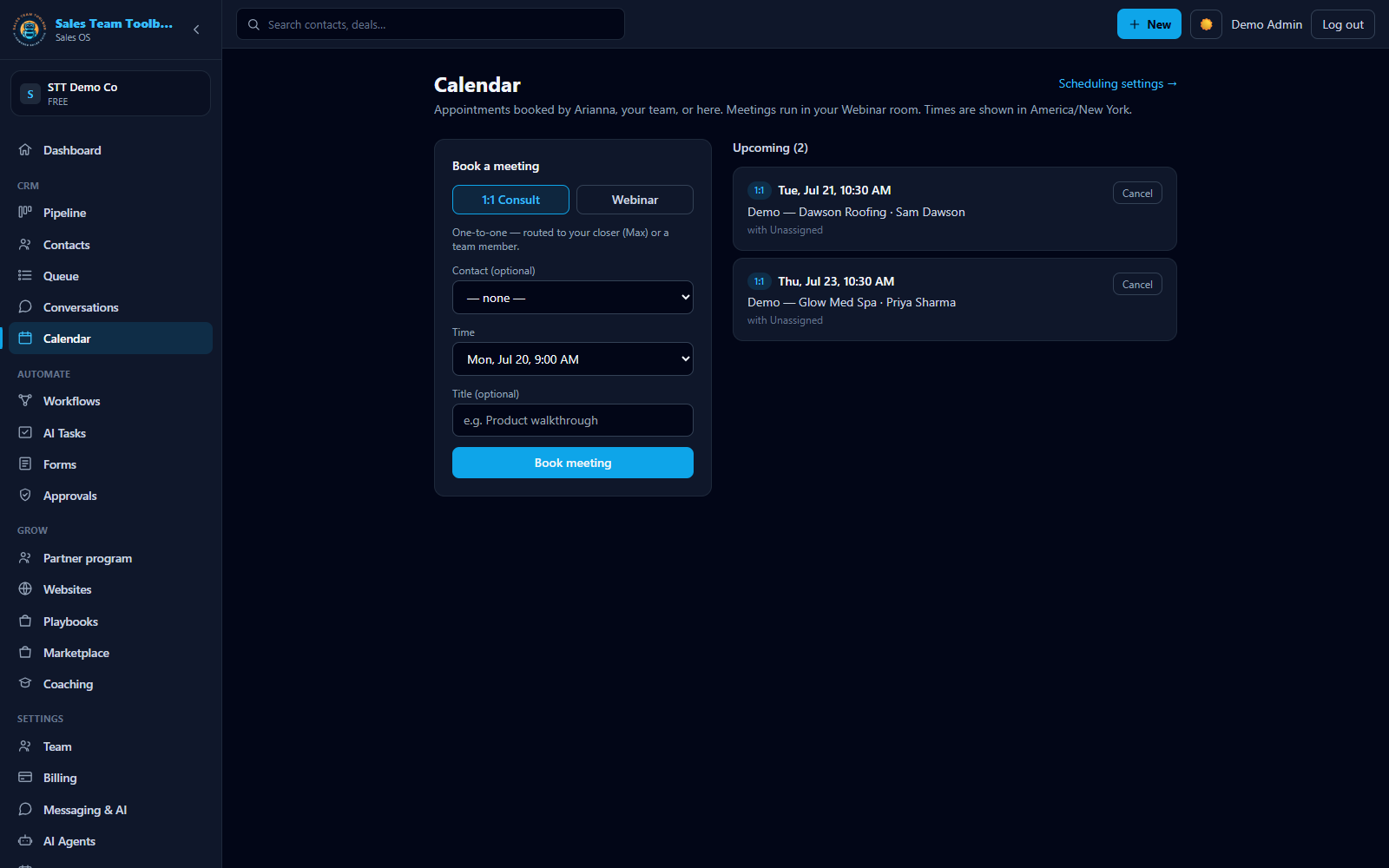 Qualified meetings the AI books land straight on your calendar, with reminders.
AI voice calls
Your AI rep can also place live AI phone calls — introduced with the required disclosure, aware of two-party-consent states, and with an opt-out. Live AI calling is rolling out as an early-access capability; if you'd like it enabled for your account, contact us.
Cost-protection: your AI knows when to hang up
Because AI voice minutes come out of your usage wallet, your agents are built to protect your budget. When a caller is clearly acting in bad faith — abusive, an obvious troll or tester, a scammer, or someone probing for your internal details or another customer's information — the AI politely wraps up and ends the call, so you don't pay to entertain non-buyers.
It's conservative by design: a genuine, curious, undecided, or returning customer always gets full patience, and one odd remark never ends a real conversation — the more positive history you have with someone, the more leeway they get. Only clear, sustained bad faith (or a hard red line like fishing for private data) ends a call. Toggle it under Settings → AI Agents → Cost-protection screening; it's on by default.
AI outreach and texting draw from your usage wallet, and texting needs a verified business number first (Business texting). If the AI assistant isn't connected for your account yet, tasks will say so rather than sending anything.
Next steps
Hand off the busywork. Run 'Work my new leads' and just approve the drafts.
Open AI Tasks