
Forms & lead capture
Forms are how new leads get into your pipeline. Every form is consent-baked and wired straight to a pipeline and your AI rep, so a submission becomes a working lead in seconds.
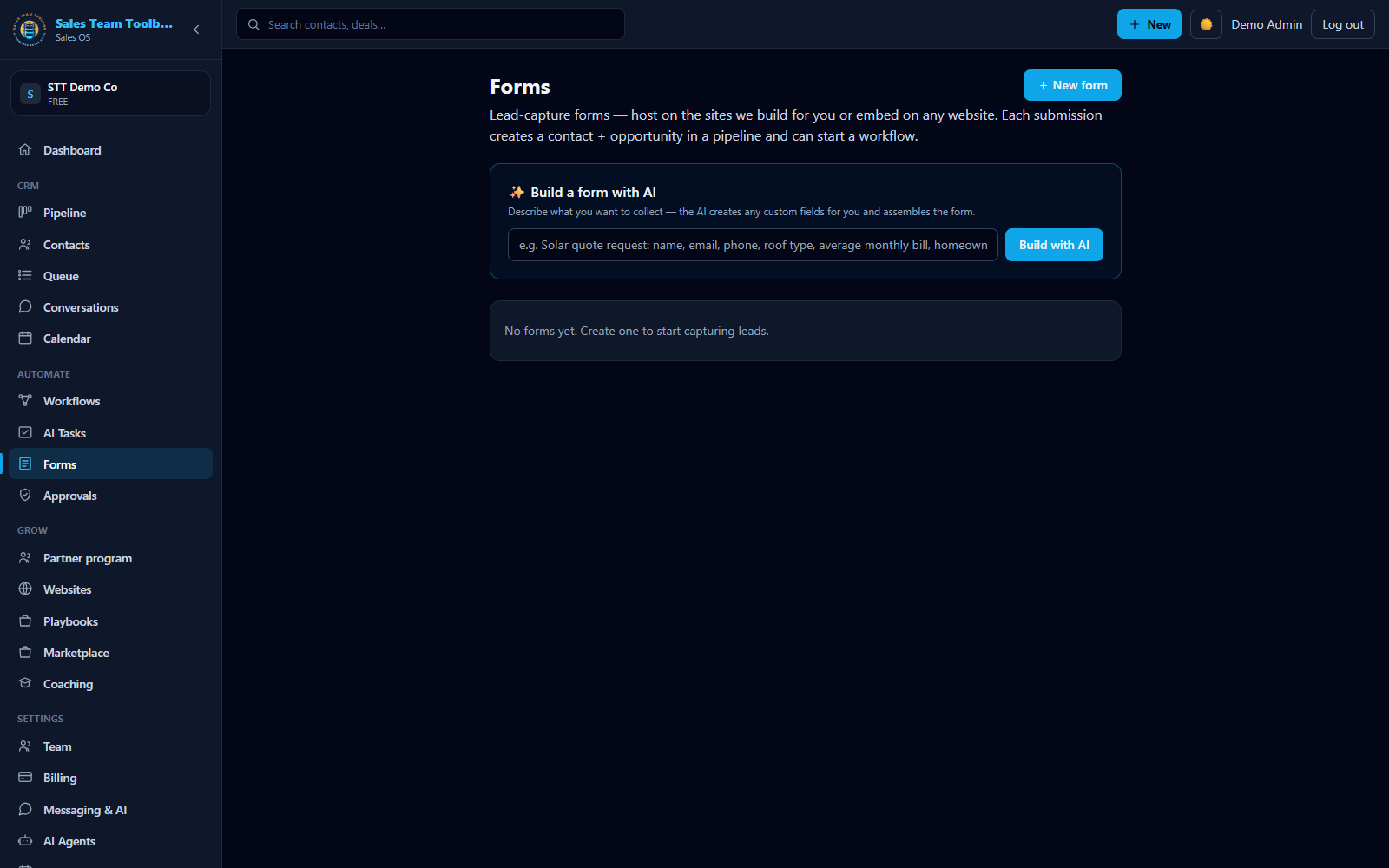 Build a lead-capture form — hosted or embeddable, wired to a pipeline and your AI rep.
What a form does
Open Forms in the left nav. Each form gives you a hosted page (share the link) and an embed you can drop on any website. A submission lands as a contact and an opportunity in the pipeline you choose, and — if the visitor opts in — your AI rep starts working the lead immediately.
Build one two ways
Let AI build it
Describe the form in plain English — "a solar quote form that asks for roof type and monthly bill." The AI drafts the fields and creates any custom fields it needs automatically, so the answers have a home on every contact.
Or build it by hand
Add, rename, and reorder fields yourself — text, email, phone, number, date, dropdown, and checkbox — and reuse the custom fields you already have.
Wire it to your pipeline
Choose which pipeline new submissions route into (handy when you run more than one), and optionally enroll every new lead into a follow-up workflow the moment they submit. Every form can also start a workflow via the form-submitted trigger, with a per-form filter so each workflow listens only to the forms you choose — see the trigger reference.
Consent, baked in
Turn on the consent checkbox and the form shows the exact opt-in language tied to your registered texting campaign — so what you capture and your 10DLC registration always match (see Business texting). Forms include spam protection out of the box.
Next steps
Capture more leads. Build a form and wire it to your pipeline in minutes.
Open Forms