
Work the list
Working the list is the day's job — getting to your fresh leads before anyone else does. You do it on the pipeline board: filter down to the leads that matter, start the follow-up from the card, and drag it along as the deal moves.
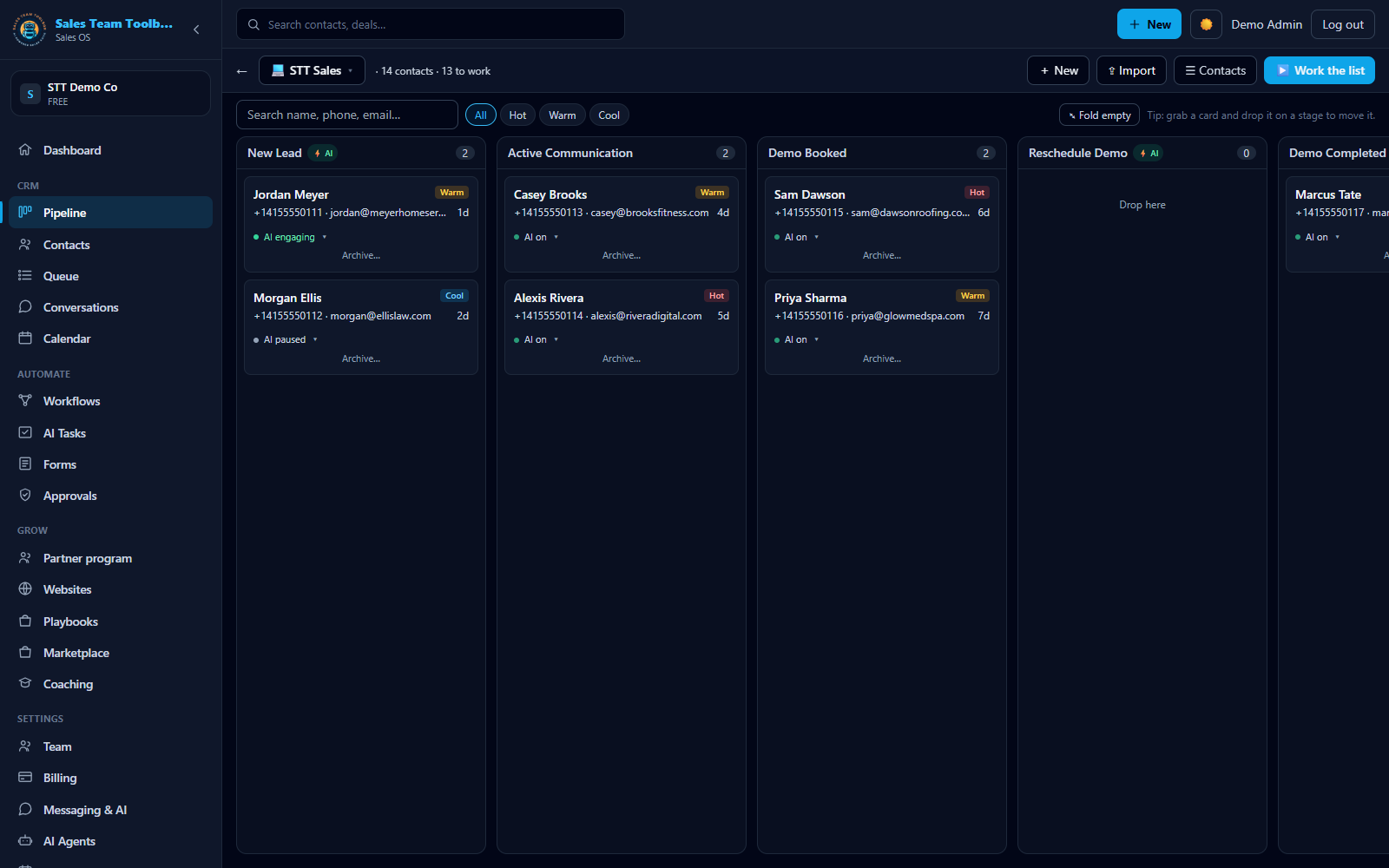 The pipeline board — every lead sits on a stage, with its tier, its age and its AI status on the card.
Finding the leads that matter
Open Pipeline in the app. The board is one column per stage, and it does not re-order itself — nothing decides who's next for you, so you narrow it down instead:
- Tier chips — All / Hot / Warm / Cool. Click one and the board shows only that tier.
- Search — type a name, phone or email and the board filters as you type.
- Straight to Hot —
/crm?tier=Hotopens the board already filtered, which is where the dashboard's hot-leads figure sends you.
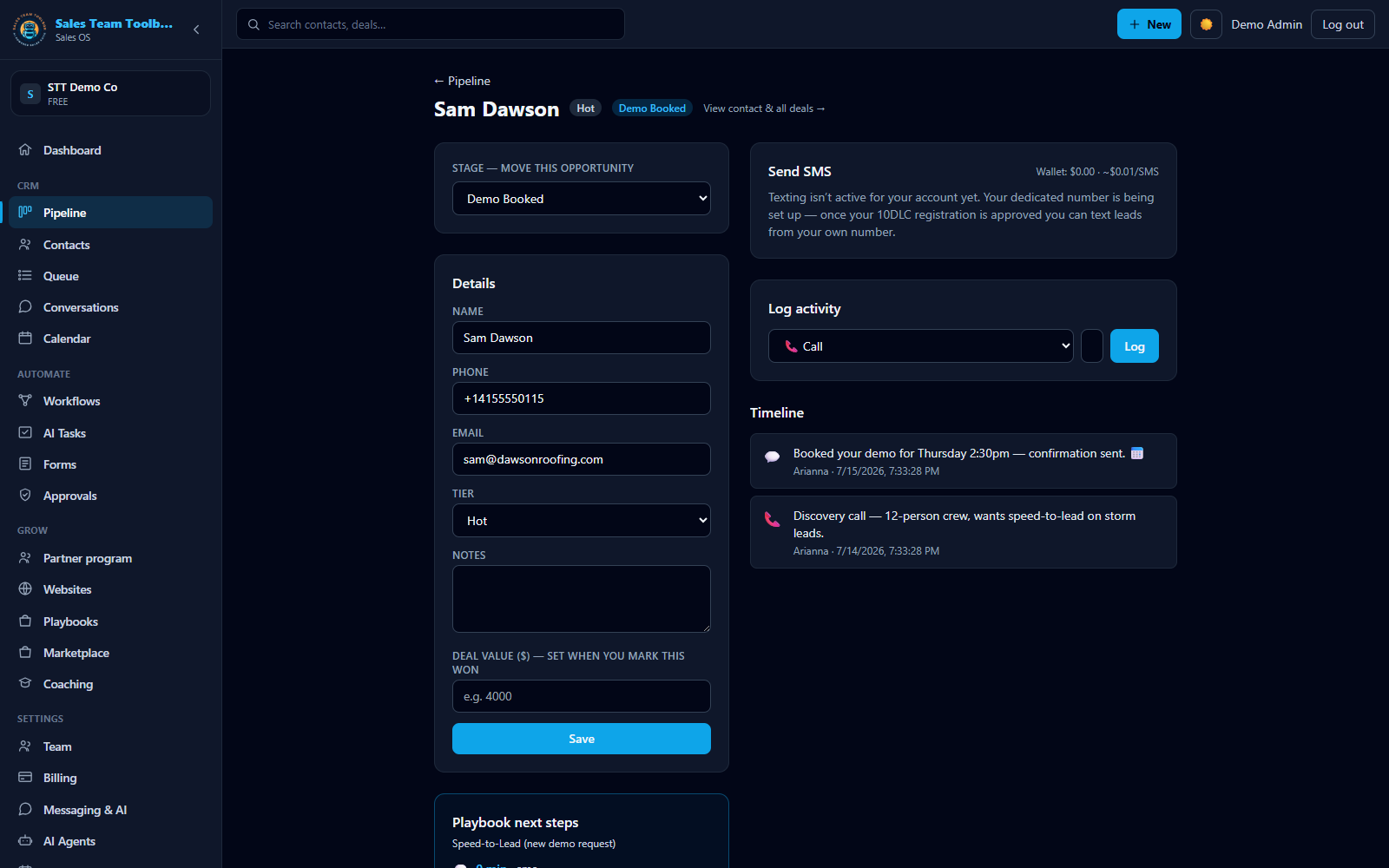 Each deal has its own view — stage, value, timeline, and one-click call / text / email.
Working a lead
Open the board
Go to Pipeline. Every lead is a card on the stage it currently sits in, showing its tier, its phone and email, and how long ago it arrived.
Filter to Hot
Click the Hot chip — or open
/crm?tier=Hot— so you are only looking at the leads worth your first hour.Start the outreach
Hit Work this lead now on the card. It enrolls the lead in your follow-up sequence and tells you exactly what it did. This starts the outreach — it is not a log of one you already made.
Drag the card on
When the deal moves, drag its card onto the stage it has moved to — any column, not just the next one. There is no Advance button; the drag is the move.
Open the deal for the detail
Click a card to open the opportunity, where the full activity timeline and quick actions live.
Short on time? Instead of working the list by hand, have your AI rep draft the first touch for every new lead and just approve the drafts. See Your AI rep & Approvals.
Why speed matters
The first business to reach a fresh lead usually wins it. Filtering to Hot and hitting Work this lead now takes seconds, so a rep — or the AI — can respond while the lead is still warm instead of hours later.
Next steps
Clear your list — filter the board to Hot and work through what's left.
Open your pipeline