Workflows & Autopilot
Workflows are your follow-up machine: visual, step-by-step automations that fire the moment something happens — a new lead arrives, an appointment gets booked, a deal goes quiet — and keep working until the contact replies, opts out, or hits the goal you set.
Autopilot is the layer above them: instead of following fixed steps, it works each deal toward a goal you define and decides the next move itself. Workflows handle the predictable; Autopilot handles the judgment calls. This page explains both and how they fit together.
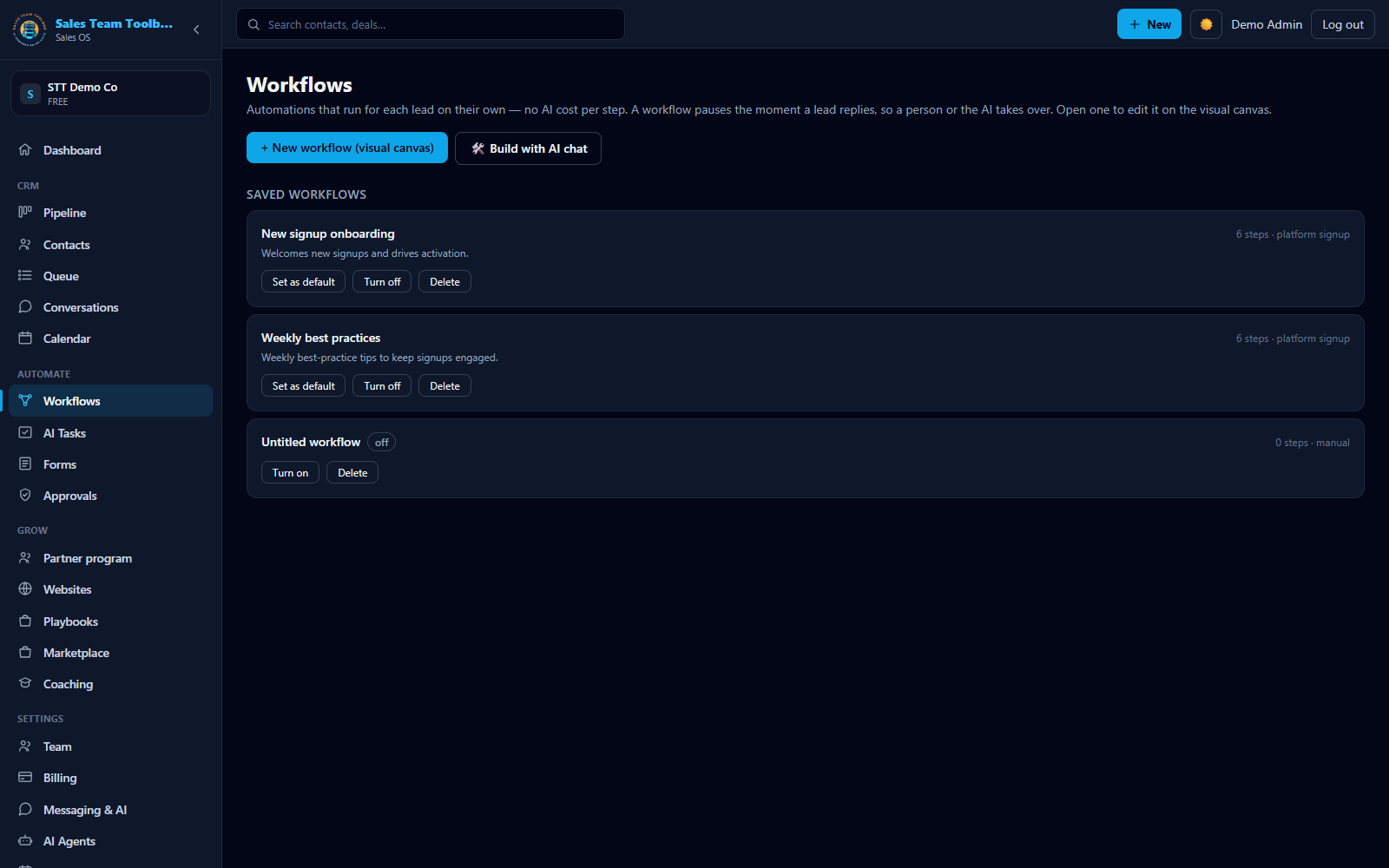 The workflow canvas — connected steps with delays and branches, fully editable.
What a workflow is
A workflow is a set of connected steps ("nodes") on a visual canvas:
- One trigger starts it — the event that enrolls a contact (new lead, form submitted, deal stalled, and about 15 more).
- Action nodes do things — send an email or text, place an AI call, book a meeting, move a deal to a new stage, notify your team.
- Logic nodes steer — yes/no branches on anything you know about the contact (did they reply? is their lead score above 70? is a custom field set?), waits, and scoring math.
Every node can have its own delay ("2 hours", "Day 3", "1 week"), so a workflow reads like a plan: text them now → wait a day → email → if they replied, notify the rep; if not, try an AI call. A branch that doesn't connect anywhere simply ends the workflow for contacts who take that path — that's normal, not an error.
There are 24 node types — the full list, with options and consent behavior, is in the Node reference.
Texts, AI calls, and AI steps draw on your prepaid usage wallet. Most workflow steps just send the messages you set and carry no AI charge — you pay AI rates only where a step actually uses AI.
You already have a suite
If you picked your industry when you set up, you already have around seven ready-to-run workflows in your account — speed-to-lead (with an Autopilot handoff), appointment confirmation, no-show re-book, stalled-deal rescue, win-back, long-term nurture, and a re-engagement detector — plus Agent Goals wired to your pipeline. Every industry in the picker gets an equivalent suite.
They're yours to edit. And if the suite ever re-syncs, it never overwrites your changes — anything you've customized stays exactly as you left it. Details on each workflow: Your niche suite.
How enrollments run
When a trigger fires, the contact is enrolled — one contact, one live run per workflow (a contact can't be enrolled in the same workflow twice at once, so double-firing a trigger won't double-message anyone). The engine then walks them through the steps, honoring each node's delay and every compliance gate along the way (consent, approvals, quiet hours, send-fatigue limits — see Compliance & FAQ).
How enrollments stop
Four ways a run ends, in plain terms:
- They replied (default). Out of the box, a workflow halts the moment the contact replies — the conversation is now yours (or Arianna's), and a drip that keeps blasting someone mid-conversation is a bad look. This is the "Stop when the contact replies" setting, and it's on by default.
- Nurture mode. For long-term drips — a 90-day education sequence, an anniversary campaign — you can turn "Stop when the contact replies" off so one reply doesn't kill months of planned touches. Every individual send still passes its own consent and frequency checks.
- They opted out. If a contact texts STOP, everything halts. This one is not a setting — you cannot turn it off, in nurture mode or anywhere else. It's a compliance rule, not a preference. (It's triggered by an actual opt-out, not by a missing opt-in — so contacts you only email keep nurturing normally.)
- Goal met. You can give a workflow an exit goal: stop as soon as they book a meeting and stop when they make a purchase are one-click checkboxes in the workflow's settings, and workflows can also exit when a contact gains a tag or a field matches a value. The goal is checked before every step, so nobody gets a "just checking in" text the morning after they booked.
Watching it run
Every workflow shows its run history: who's enrolled, where they are, and why each run ended. The statuses you'll see:
| Status | What it means |
|---|---|
| Running | Mid-flow; you see the current step and when the next one fires. |
| Completed | The run ended — it reached the last step, hit your exit goal, or handed the deal to Autopilot. The note on the run says which. |
| Stopped · replied | They replied, so the workflow handed the conversation to you. |
| Stopped · opted out | They texted STOP; everything halted. |
Every step also logs a short note — which node ran, what it did, why something was skipped or deferred — so you can always see under the hood instead of guessing.
Workflows vs. Autopilot vs. AI Tasks
Three tools, three jobs:
| Workflows | Autopilot | AI Tasks | |
|---|---|---|---|
| What it is | Fixed steps you design on a canvas | A goal-driven agent working a pipeline | A one-time job in plain English |
| Runs | The same steps, every time, for everyone enrolled | Different moves per deal, chosen by the agent | Once, over a finite list, then done |
| Best for | Confirmations, reminders, drips, re-books | Working deals stage-by-stage toward a win | "Call everyone who no-showed last week" |
| Plan | Included with your subscription | Pro and Agency plans | Included — Owner and Admin users |
| Learn more | You're here | Autopilot & Agent Goals | Your AI sales rep |
They chain: your speed-to-lead workflow can end in a Handoff to Autopilot node, so the deterministic first touches happen instantly and the agent takes over from there.
Draft a workflow with AI
Don't want to start from a blank canvas? Describe the campaign in plain English — up to 800 characters, e.g. "When a quote stalls for 5 days, email a recap, wait 2 days, text a nudge, and if they don't reply, have the AI call them" — and the drafter designs the graph for you: triggers, branches, waits, and messages, using 18 of the 24 node types. Drafts stay a reviewable size (about 4–12 nodes) and are validated before you can save, and nothing goes live until you enable the workflow. More in Build a workflow.
Go deeper
Set it and forget it. Your industry suite is already in your account — open it and make it yours.
Open Workflows