Your industry playbook
A playbook is the blueprint your CRM and AI rep run on. You start from a proven industry template and tune anything you like — no flowchart-building required; the suite arrives pre-built.
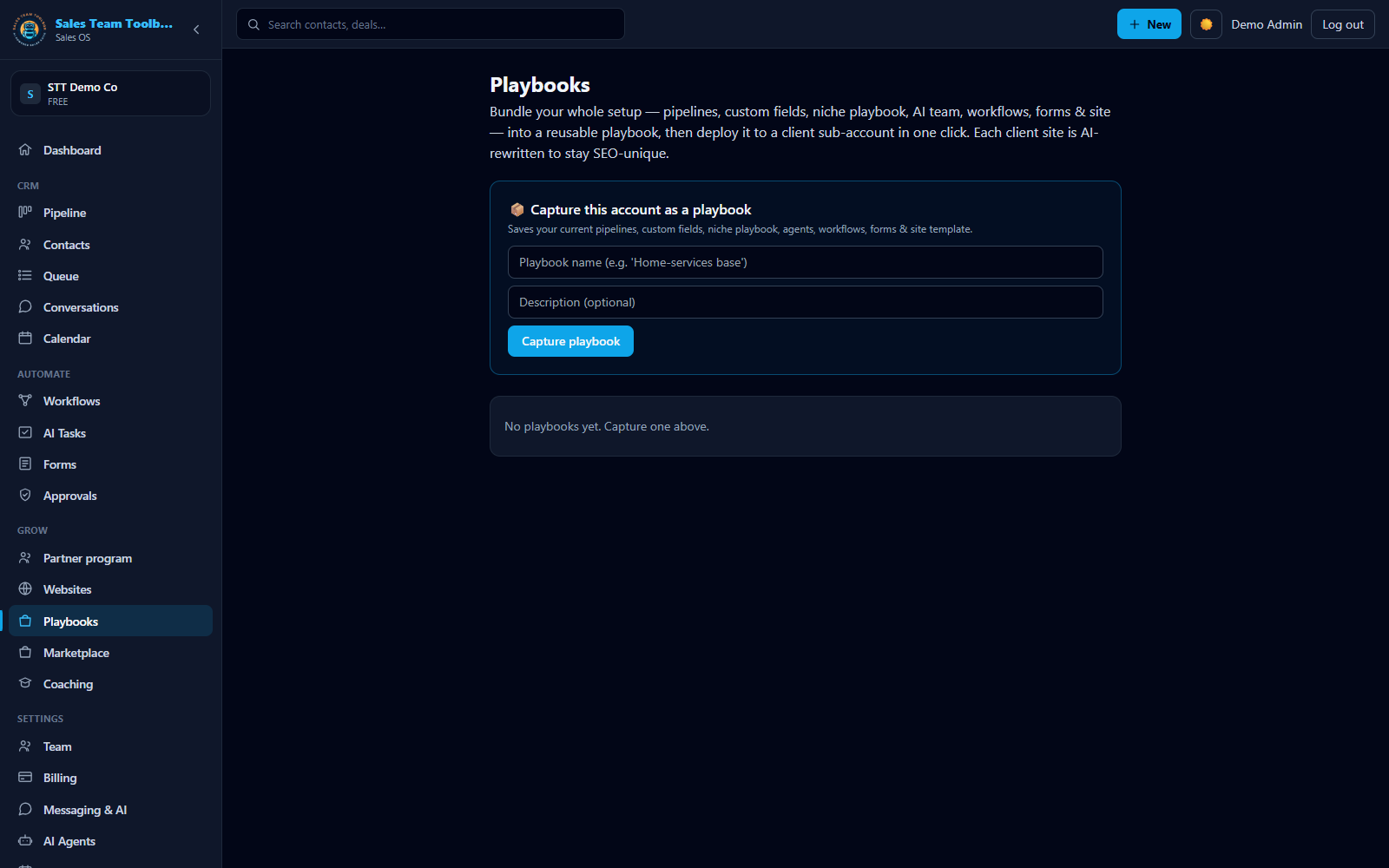 A playbook bundles your pipeline, AI team, forms & site — pre-wired, and deployable to clients.
What's in a playbook
When you pick your industry during onboarding, your account is pre-loaded with a complete playbook. Open Playbook in the app to edit any part of it:
- Pipeline stages — the columns your leads move through (e.g. New Lead → Qualified → Appointment Set → Won).
- Your AI agent — name, role, persona, first-touch and returning-lead greetings, tone and style rules, guardrails, qualifying questions, and objection handling.
- Lead tiers — how Hot / Warm / Cool are defined and what to do with each.
- Follow-up sequences — the cadence of touches for new and stale leads. Your playbook also feeds a full visual workflow suite — canvas-based, with branching — deployed ready to run.
- SMS templates — reusable message starting points.
Approved playbook copy also guides Autopilot: when the agent drafts outreach and your playbook has matching approved copy for that touch, your reviewed wording replaces the agent's draft in the Approvals queue — so what goes out is language you've already signed off on.
Arianna is the default name for your AI rep across playbooks. You can rename her and rewrite her persona to match your brand voice in the Playbook editor.
Editing your playbook
Open the editor
Go to Playbook in the left nav.
Edit any section
Rename stages, rewrite the AI persona, adjust tier rules, or change the follow-up cadence and templates.
Save
Use the sticky Save bar at the bottom. Your CRM board, your follow-up sequences, and your AI rep all immediately run on the updated playbook.
Start proven, then tune
All thirteen industry playbooks are production-grade — a full pipeline, a tuned AI persona, tiers, cadences, and message templates — and each deploys its full follow-up workflow suite at signup. Most teams launch on the template as-is and refine it over their first week. Because everything runs off this one blueprint, a change here updates your board, your sequences, and your AI rep at once.
Your AI rep arrives already knowing your industry — set up by our sales experts — and gets sharper automatically from anonymized results across the network; you don't train it or approve knowledge updates. Add your own notes in the playbook anytime.
Next steps
Tip: open the Playbook editor and make Arianna sound like your best closer.
Open the app